Launcher messages
The launcher reports each problem in the status card under the Launch button and marks the failed step in the left column. Here is what each message means.
| Message | Meaning | What to do |
|---|---|---|
| Ready when you are. | Idle, waiting for a key. | Enter the license key and click Launch. |
| Enter your license key. | The key field was empty. | Paste the key, including the dashes. |
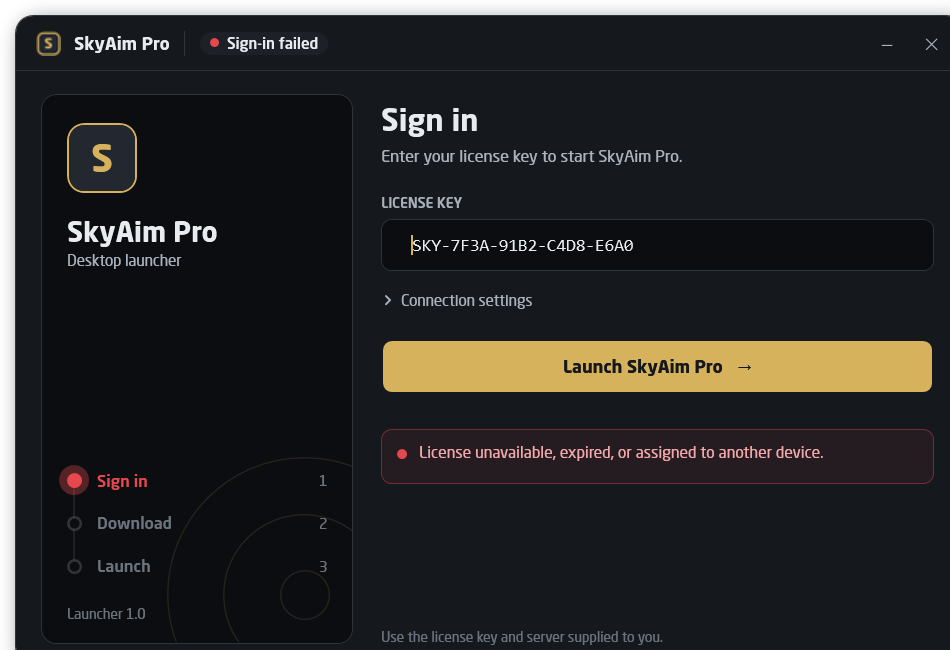
| License unavailable, expired, or assigned to another device. | The server refused the key. | Check the key. If you changed PCs, ask the publisher to reset the hardware binding. |
| Connection error: … | The server address could not be reached, or the certificate is not trusted. | Verify the HTTPS address under Connection settings. Do not bypass certificate errors; report them. |
| Response ended prematurely. | The download was interrupted. | Click Launch again; the ticket is renewed on the next sign-in. Nothing was extracted. |
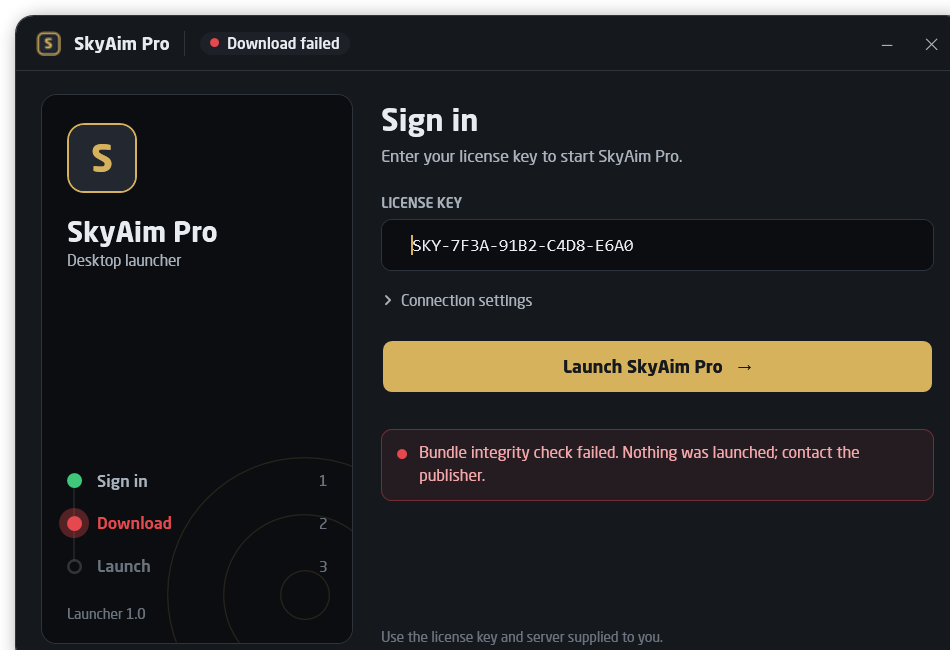
| Bundle integrity check failed. Nothing was launched; contact the publisher. | The downloaded bundle did not match the publisher's signature. | Retry once. If it repeats, tell the publisher; do not use another copy. |
| Bundle exceeds the download limit. | The server sent more than the launcher accepts. | Update the launcher (it does this itself after sign-in) and retry. |
| Unable to identify this device. | Hardware identification failed, so the license cannot be bound. | Run the launcher outside virtual machines and sandboxes, as a normal user. |
| SkyAim Pro is running. Close it to clean up this session. | Normal while the app runs. | Nothing. Close the app with its own close button when done. |
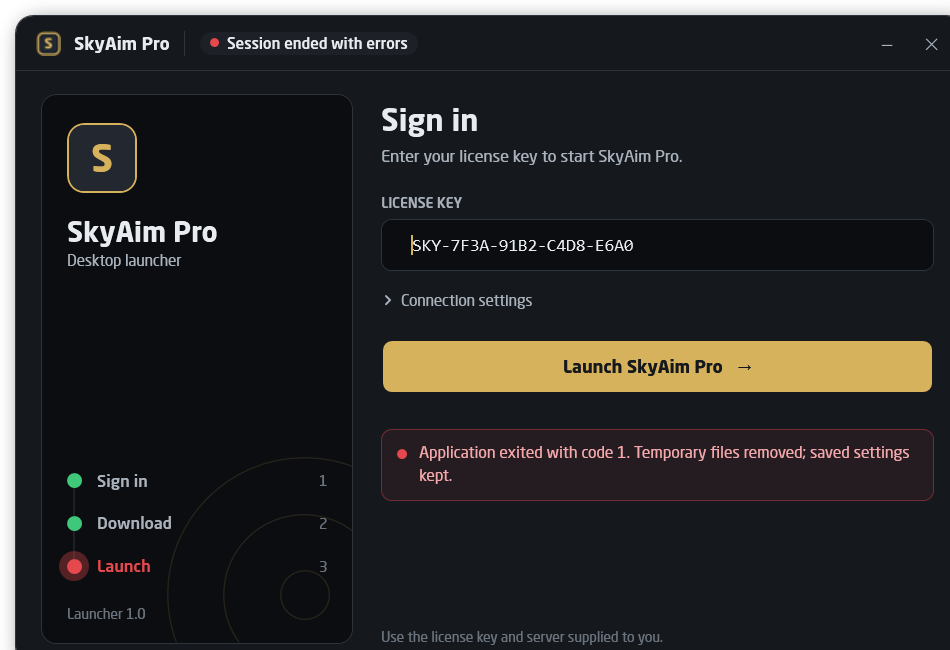
| Session ended with errors (exit code …). | The app crashed or was killed. | Launch again. Send the newest skyaim-debug log if it repeats. |
| Retained: active or cleanup pending. | A previous session folder could not be removed yet. | Nothing. It is removed at the next launcher start once the files are free. |
| Update failed. | A launcher self-update could not be verified or installed. | Nothing was changed. Read launcher-update.log and send it to the publisher. |
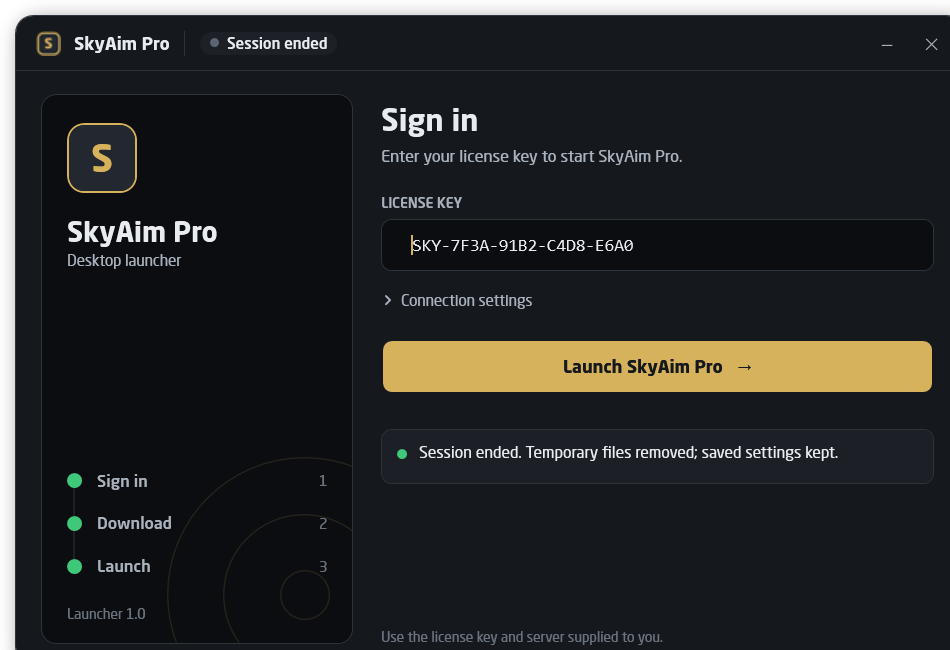
What the screens look like#
i
Where the launcher writes
Launcher updates are logged to launcher-update.log next to SkyAimLauncher.exe. Each session's files go to a temporary folder that is deleted when the app exits; your settings are never inside it.
Still stuck?
Open the FAQCheck the FAQ and the launcher message list first. If that does not solve it, send the publisher your newest file from output\Logs (or launcher-update.log for launcher problems).