First launch checklist
The first start takes longer than the rest because SkyAim Pro builds files specific to your PC. Here is the order that works and the signs that each piece is alive.
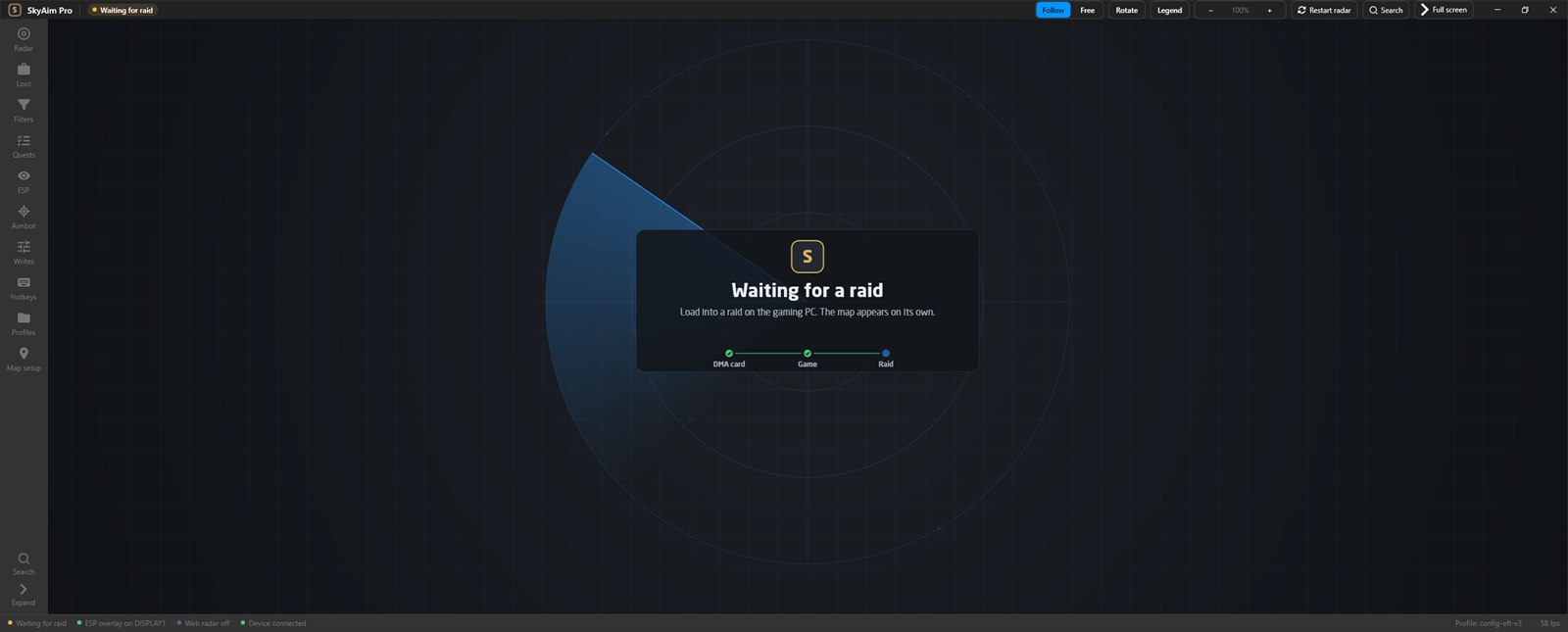
Start order#
- Radar PC: DMA connected
Make sure the DMA card is detected on the radar PC the way it was when you set it up. SkyAim Pro cannot start the radar without it.
- Game PC: start the game
Launch Escape from Tarkov and reach the main menu.
- Radar PC: launch through the launcher
Sign in and launch. The first start creates
mmap.txtand aSymbolsfolder for this machine; expect one to three minutes. Later starts take seconds. - Wait at the main menu
After about a minute at the menu the console prints
[QuestTracker] menu snapshot: … quests. That is your profile being read for the quest tracker. Loot filter presets load by themselves on a fresh install. - Enter a raid
When the raid loads, the map appears, your marker is in the centre and the status bar shows the frame rate. Press L for the legend.
mmap.txt, the Symbols folder and Logs are generated per machine. A copied mmap.txt is the most common reason a second PC never shows a map. Delete it and let SkyAim Pro rebuild it.
Signs that everything works#
| Feature | What you should see |
|---|---|
| Radar | The map of the current raid, your marker, players as dots with aim lines, exfils at the edges. |
| Loot | Diamond markers with names and prices after about ten seconds in raid. |
| Quests | In the Quests section, your active quests are listed; ticked quests show flags on the map. |
| Quest tracker | The Open SkyAim Pro quest tracker website button opens a page with your name and level at the top. |
| ESP overlay | Open full screen in the ESP section opens a window on the game monitor; the fuser shows boxes on players. |
| Aimbot device | Mouse test in the Aimbot section moves the cursor on the game PC. |
| Visible check | With Visible check on, the ESP status line shows Line of sight: on instead of No collision mesh. |
Where to look when something is missing#
- No map after the raid loads: click Restart radar in the command bar, then wait 30 seconds.
- Extracts missing after a transit: wait up to two minutes; the radar re-reads them by itself.
- Empty loot filter list: import the bundled presets.
- Empty tracker page: stay at the main menu for a minute, then press Ctrl F5 in the browser.
- Anything else: FAQ & error fixes.
Logs#
Every run writes skyaim-debug-*.log to output\Logs (or %LOCALAPPDATA%\SkyAimPro\Logs if the first location is not writable). When you report a problem, send the newest file; it rotates at 8 MB and keeps the last ten.
Check the FAQ and the launcher message list first. If that does not solve it, send the publisher your newest file from output\Logs (or launcher-update.log for launcher problems).